My Sailfish OS Journey: Apps for my daily needs
I have been daily driving Sailfish OS since 2014, and that has been made possible by the many apps I rely on. In the first post of this series, I elaborated on where Sailfish OS comes from, and on how I got to using it. In this post, I’ll cover what apps I value most, and the quirks that come with them.
Native apps
The native Sailfish OS experience revolves around gesture based control, very much like on the Nokia N9. On the Nokia N9, you had a nice curved glass on the sides of the phone, which elegantly captured the swiping motion you used to minimize an app. Sailfish OS inherits those gestures, and I find this way of navigating rather convenient.

How well those gestures work, depends on the quality of the port of Sailfish OS. I have never had many troubles with this myself, and I was told Jolla is taking extra care on the new Jolla Phone.
Native apps are built using stacked pages. Clicking items in an app opens a page, and moves in with an animation from the right.

Closing a page follows the opposite motion: swiping on the page to the right will “pop” the page from the stack, more or less the analogue of Android’s “back” button. Sailfish OS shows a little indicator on the top-left if this back-action is available.

These gestures, together with colours, headers, font sizes, icons and more, form a consistent design language for the whole operating system. This is one of many reasons why I prefer native apps to Android AppSupport: everything feels (and is!) integrated with the operating system. Android Apps just feel off, and they’re really a necessity rather than a convenience.
My day on Sailfish OS
I am one of those people for whom waking up is a nightmare.
I get woken up by the lights in my bedroom turning on 100% brightness, thanks to Home Assistant.
If I need to access something in Home Assistant,
I open the user interface in the Sailfish OS
 Browser
(more on browsers below).
Home Assistant’s web interface works well enough for me.
The native Home Assistant apps aren’t to my liking,
and the Android app feels way more out of place than the browser does.
Browser
(more on browsers below).
Home Assistant’s web interface works well enough for me.
The native Home Assistant apps aren’t to my liking,
and the Android app feels way more out of place than the browser does.
I usually grab my phone to scroll Reddit
on  Quickddit
a bit before I get out of bed.
Or, admittedly, Instagram.
It happens. I’m sorry. At least I’m using the Android app in the AppSupport container,
as not to pollute my browser.
These days though, I really like Mastodon,
and I’ll usually have a quick scroll through
with
Quickddit
a bit before I get out of bed.
Or, admittedly, Instagram.
It happens. I’m sorry. At least I’m using the Android app in the AppSupport container,
as not to pollute my browser.
These days though, I really like Mastodon,
and I’ll usually have a quick scroll through
with  Tooter β
as well.
Tooter β
as well.
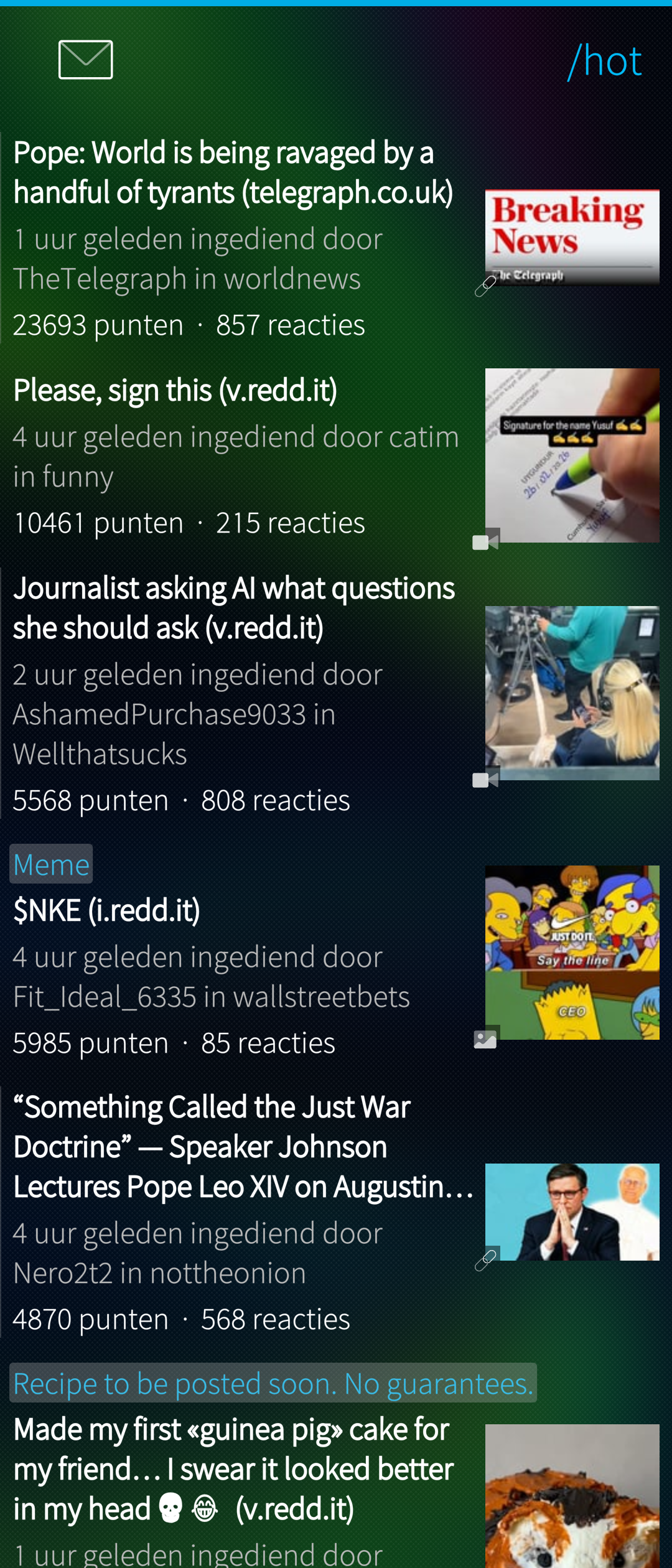
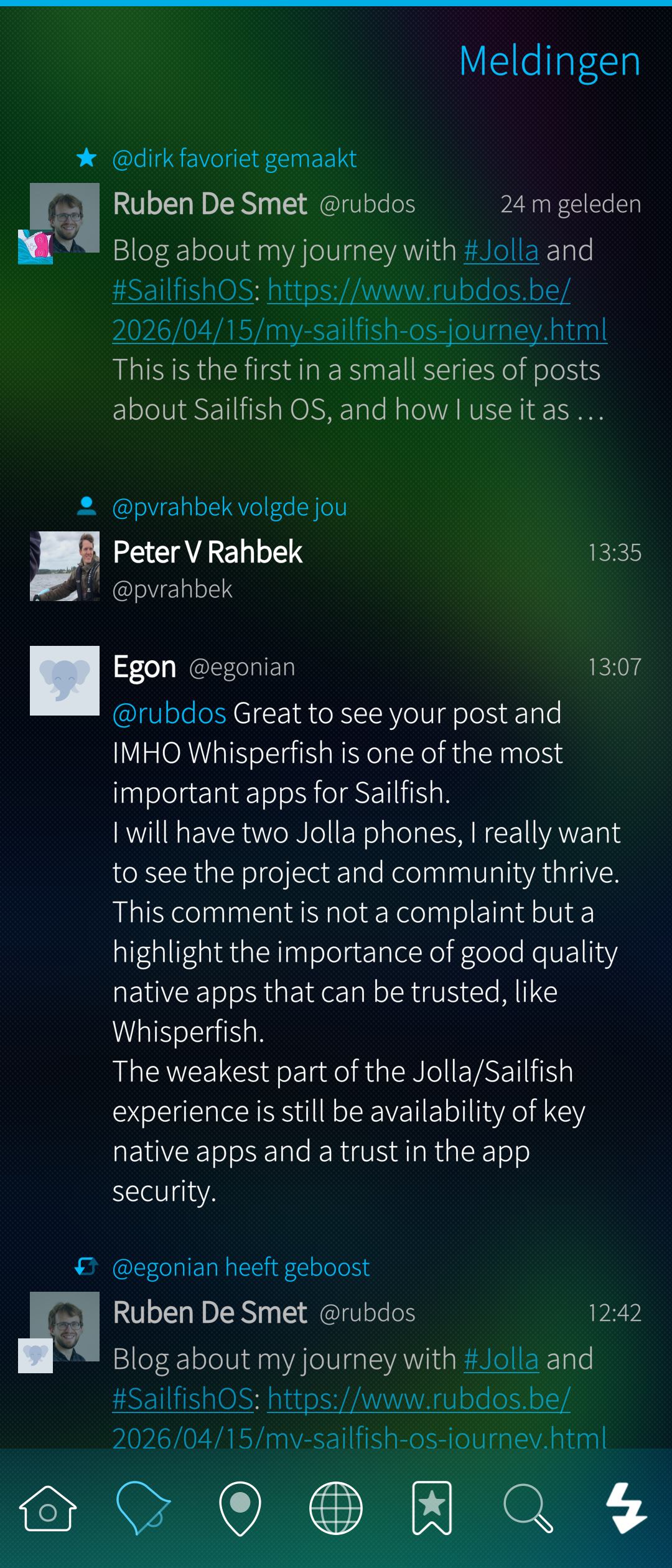
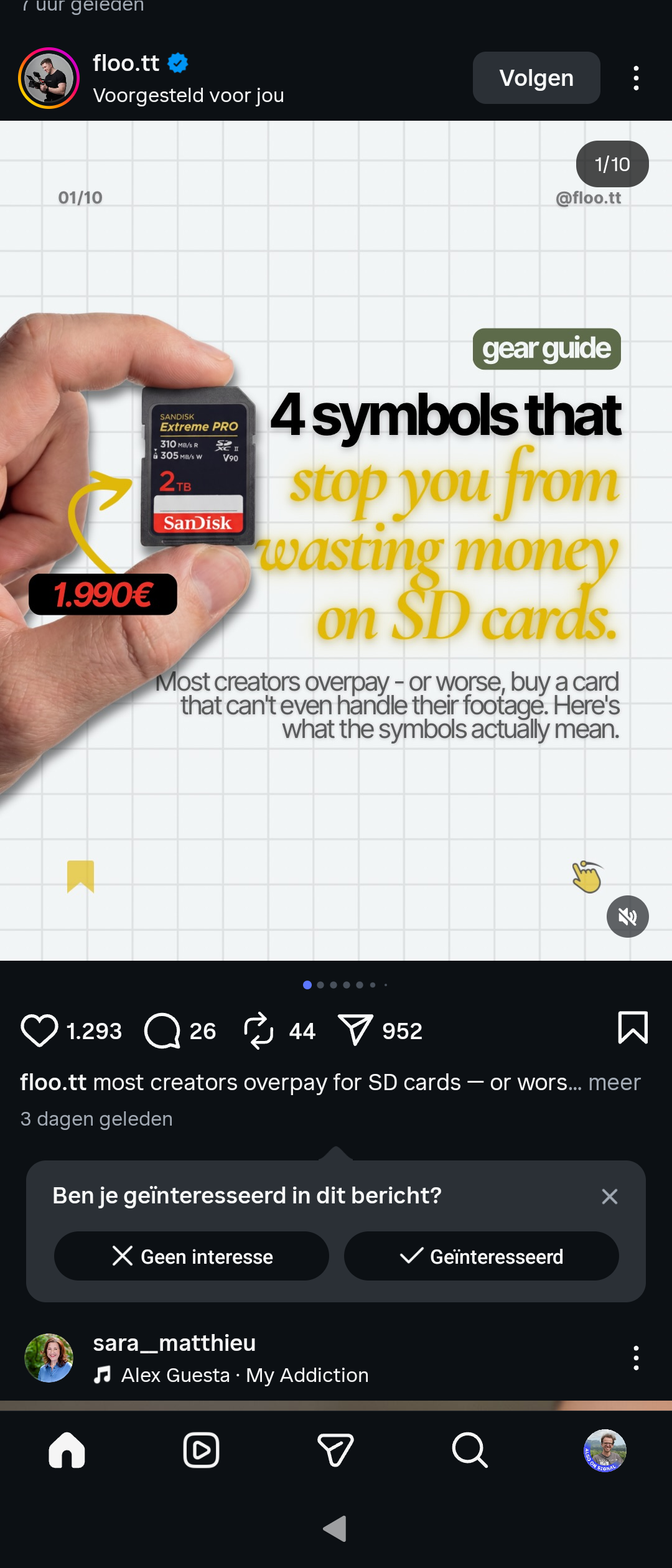
( Quickddit,
Tooter β,
Instagram Android,
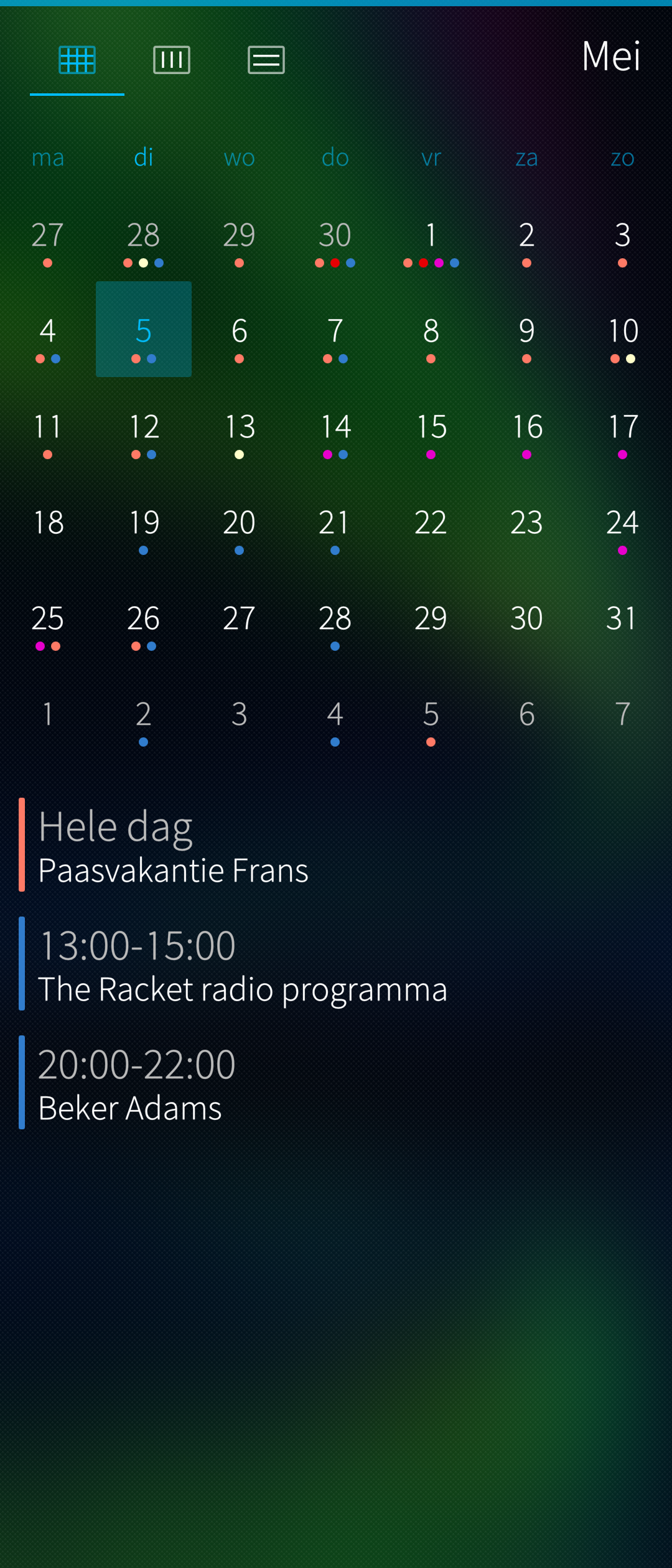
 Calendar)
Anyway, I should be telling those things to my therapist instead of blogging them.
At this point, I’ll unplug my phone around 80% battery charge,
because I limit the charging to preserve the battery life.
What my phone does after, depends entirely on the planning of the day.
To check my planning, I use the built-in Calendar application.
This app is still closed source as far as I can tell.
However, it’s excellent,
and it’s built on the open source Nemo QML calendar plugin.
Unless you’re a rebel with a cause,
you can’t legally find the Calendar app source code on /usr/share/jolla-calendar on your device.
I host my calendars on my Nextcloud instance at home.
Furthermore, I wrote a script that spits out my Taskwarrior tasks as an ICS file on scheduled and due dates, which is also ingested by the Calendar app.
Most of my days, I walk to my office at VUB. It’s a short walk, and the shortest route passes by an incredibly nice sourdough bakery. I can’t pay with my phone’s NFC there, which I honestly don’t mind. They take cash and normal cards.
Driving
I drive an EV, a Renault Zoe ZE40 from 2017.
It’s a lovely little thing.
Renault provides an Android app, which you can use to change some charging parameters,
or to remote start the climate control.
This is one of the very few Android apps that manages to detect the “non-legitimacy of my device”,
and I have no clue whatsoever why Renault would want to enforce a locked bootloader.
I had the app configured on a “real” Android device,
after which I could use the account via Home Assistant.
My Browser has a shortcut to open the page for the car,
and I’m quite convinced that works even faster than opening the app.
Another advantage: I can built automations around this!
When driving, I will usually either listen to a podcast or to an album. My Renault’s infotainment system connects to the phone via Bluetooth (calls work fine, although there’s a microphone audio quality issue on the Xperia 10 IV and V). I noticed that the car automatically triggers a Play action when it connects. I abuse this by making a paused playlist when I’m heading out, which then automatically starts when the car has booted up. This is all just regular MPRIS over D-Bus at the Sailfish OS side.
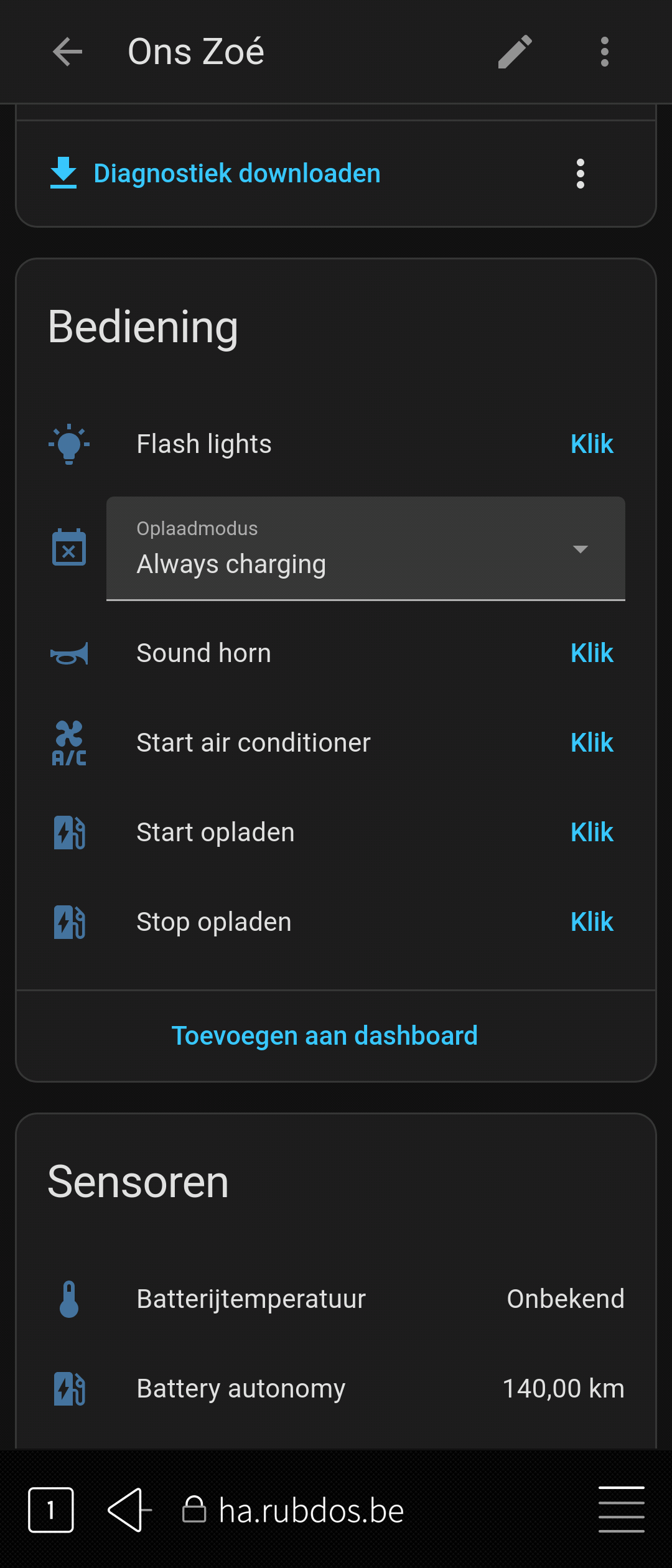
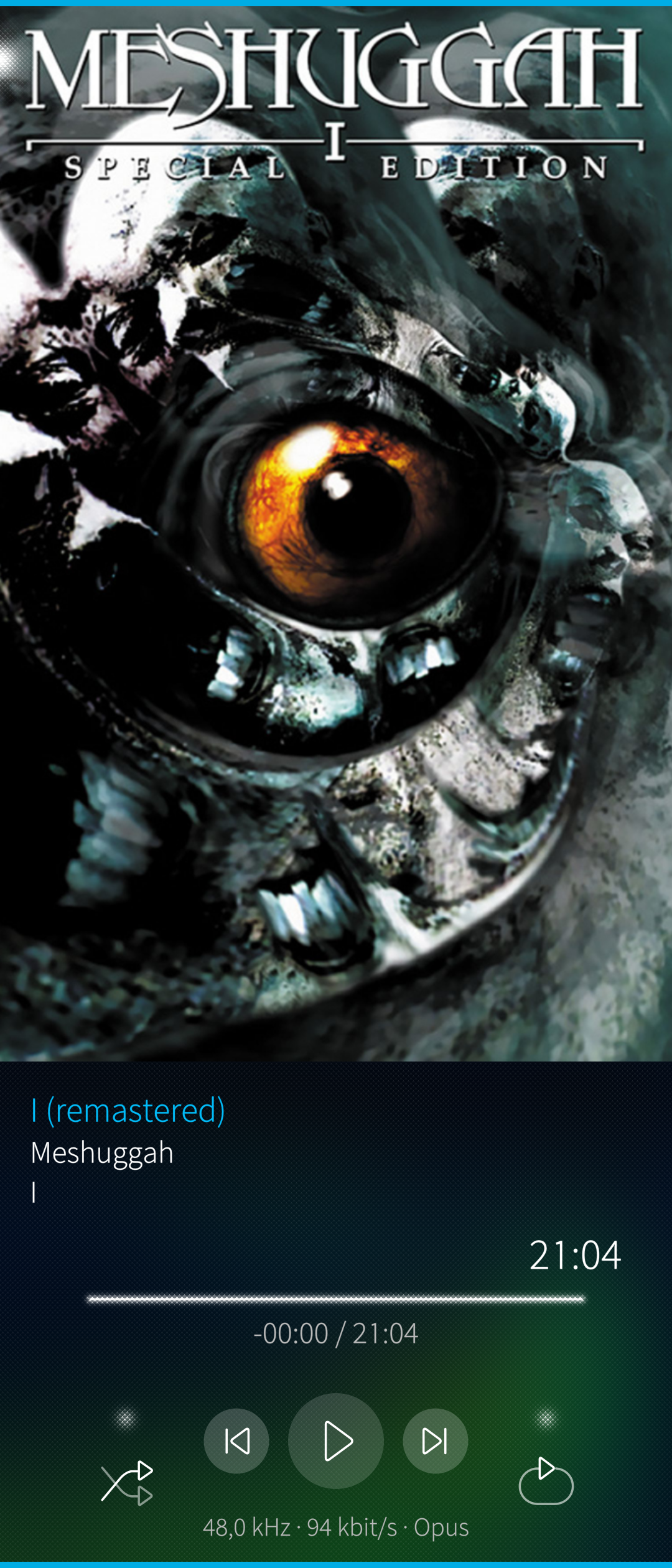
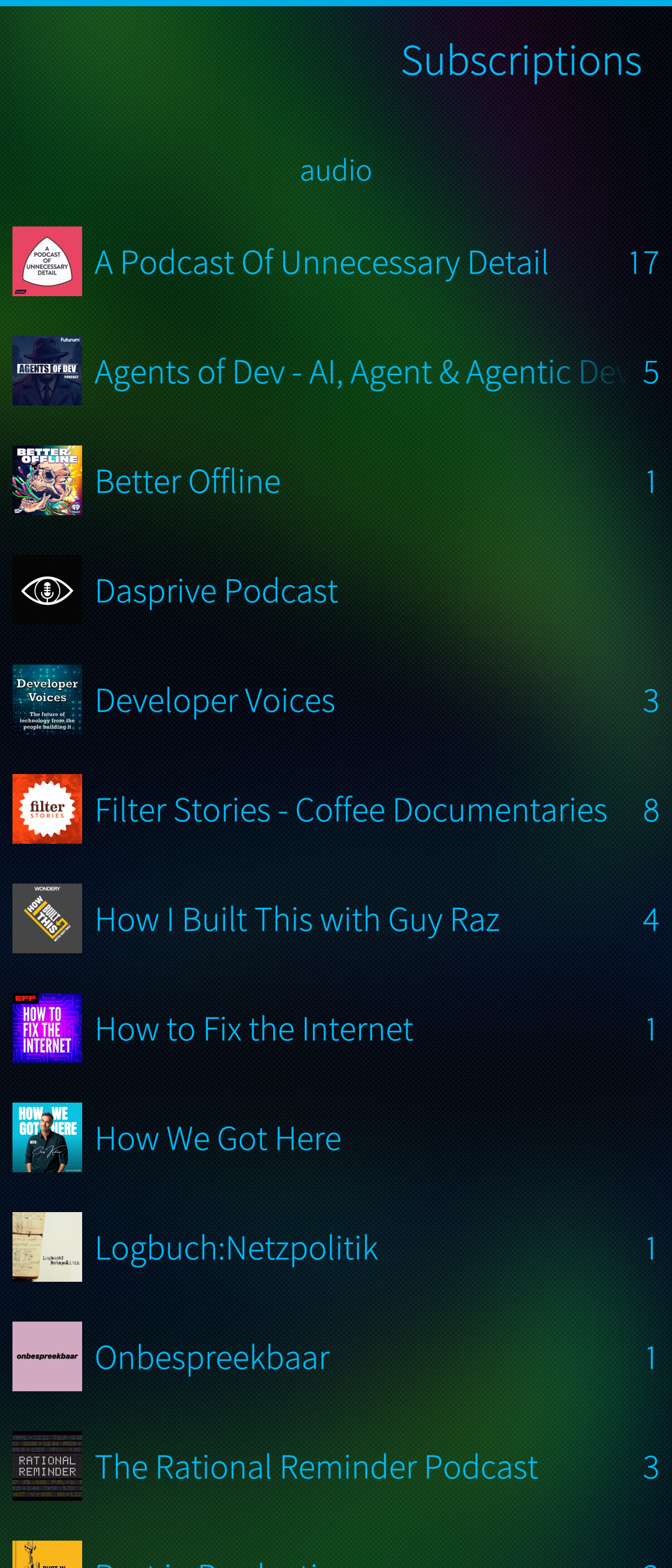
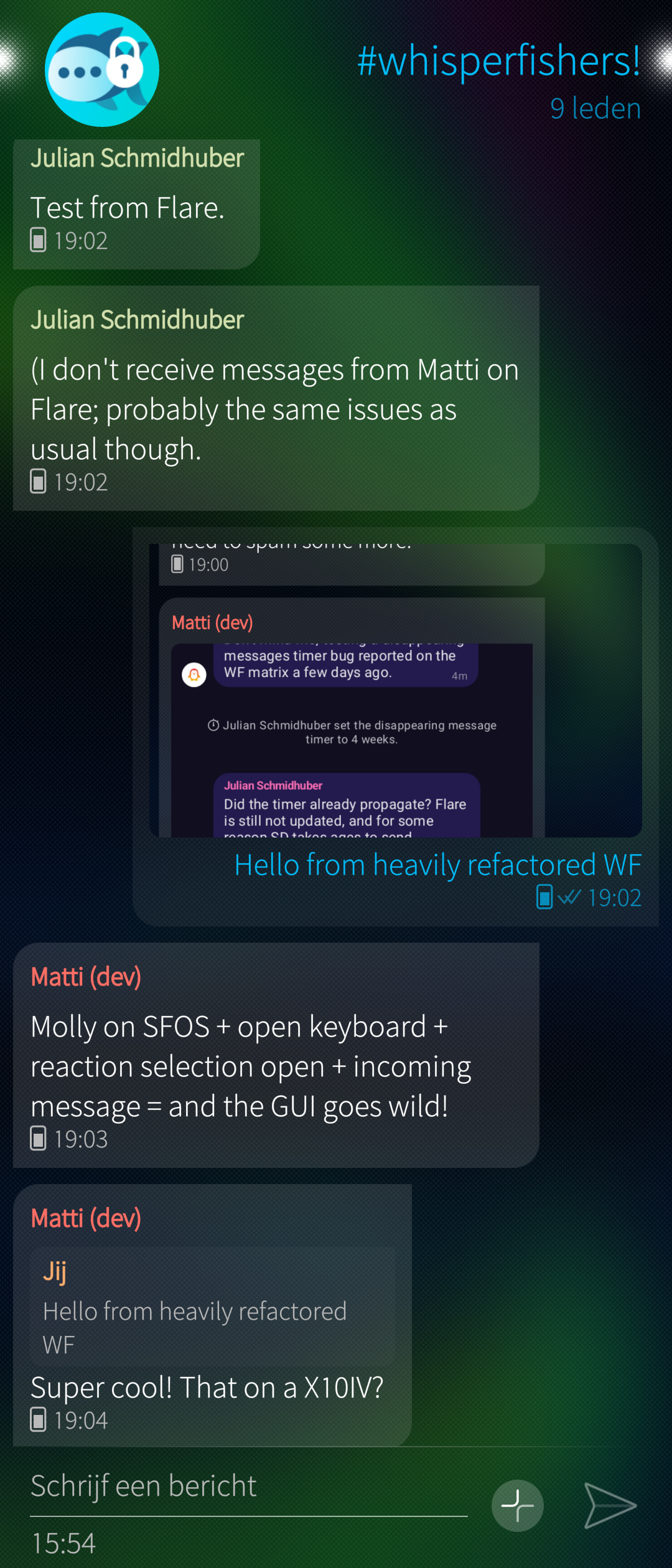
(Home Assistant in the Browser, controlling my car,
 Unplayer,
 gPodder,
 Whisperfish)
If it’s music I’m listening to,
I generally use
(See post-scriptum below.)
My music is stored on a 64GB µSD card in Opus VBR format.
I have yet to test whether Unplayer.
It doesn’t have gapless playback, and hasn’t been updated in some centuries,
but it’s otherwise fast and easy to use. DeadBeef Silica works for me;
I was told it supports Opus and gapless playback.
DeadBeef Silica works for me;
I was told it supports Opus and gapless playback.
Often, I’ll be listening to music over Bluetooth. I have Sennheiser Momentum earbuds (MTW4). I can’t recommend them, the MTW series has quality control issues. My current ones didn’t break yet. They sound incredible (even without Apt-X support, not sure which magic drives them currently), and their noise cancellation is terrific. I also have a Bluetooth DAC and a Bluetooth DAC-and-AMP from SMSL. In general, Bluetooth audio works rather well, as far as Bluetooth audio goes. The Xperia 10 IV and V issue regarding Bluetooth microphone quality is annoying, and so is the lack of Apt-X support. I am quite confident that the former will not be an issue on the Jolla Phone, and the latter doesn’t really bother me. It’s Bluetooth after all. If it’s quality that I’m after, the SMSL’s have USB and optical inputs.
For podcasts,
(See post-scriptum below.)
I currently have a bug where its start-up takes some minutes because one of the podcasts is super slow to load.
Haven’t had the time to debug it yet. gPodder
is pretty much perfect.
Back home
The one app which I use the most is Whisperfish.
I somehow got most of my friends and family on Signal,
and Whisperfish is my way of staying in touch with everyone I care about.
Whisperfish has quite some history,
and I think it deserves an “intermezzo” post in this series,
not only because I co-maintain this app.
I have Whisperfish open all the time, 24/7, everywhere I go.
I own a SwitchBot K10+ robot vacuum. I chose this vacuum because it supports a local API, because they officially support Home Assistant, and because it’s nice and compact for my 74m² flat. Getting it connected is another story, however. This required a “real” Android device, again, this time because of Bluetooth: Jolla’s Android AppSupport doesn’t currently pass through Bluetooth. Lack of Bluetooth on AppSupport is a major nuisance for users, but Jolla seems to have it figured out. After connecting, the SwitchBot app connects on my Sailfish OS device as well. The SwitchBot is usable on a daily basis (obviously I automated it such that it runs when I’m away from home). If I want it to clean a specific room, I need to start the Android phone, because the map doesn’t render correctly on AppSupport, and this makes the app completely unusable. It’s really odd, and it’s the only rendering issue I’ve ever seen on AppSupport. I should file an issue about this…
Other daily apps are the banking apps. My main bank is Argenta. I also follow Bogle’s advice, for which I have accounts at a few brokers. All these apps work just fine, no complaints and no issues. In Belgium, we also generally use Itsme, an identity provider built by a private company, founded and funded by a banking consortium. Lately their authentication procedure changed to requiring the scan of a QR code, which the Xperia 10 IV can’t do, because it misses camera drivers. Allegedly this mostly works on other devices with a camera.
Camera
Camera support has generally worked on Sailfish OS,
except now for the Xperia 10 IV and V.
Because of that, I’ve taken to a new hobby;
I’ve taken to photography with a supercompact Sony RX100.
It fits in my pocket, and the photos are fantastic.
I wrote a little app called  FishEye to quickly transfer pictures from the camera to my phone, as to share them via Whisperfish.
Sailfish OS isn’t up-to-speed with modern smartphone photo processing techniques,
as you might expect.
If you want “iPhone quality photos”, you should probably either get an iPhone,
or dive into photography like I now did.
It’s fun, the water’s warm (and not oversaturated blue), join the dark side!
FishEye to quickly transfer pictures from the camera to my phone, as to share them via Whisperfish.
Sailfish OS isn’t up-to-speed with modern smartphone photo processing techniques,
as you might expect.
If you want “iPhone quality photos”, you should probably either get an iPhone,
or dive into photography like I now did.
It’s fun, the water’s warm (and not oversaturated blue), join the dark side!
Browsers
My main nuisance on a daily basis is the Sailfish OS Browser.
Compared to using Android Fennec on AppSupport, the built-in browser feels a lot more snappy.
However, it’s currently built on Gecko ESR 91.
That’s old; 2022 is a long time ago.
It’s not just old as in “websites tell you to update”,
it’s old enough that certain sites don’t even render anymore.
It turns out that developing a browser is really darn difficult,
and requires a lot of work.
Just the ESR 91 port took little over a year.
For things that don’t render (or things that I think require some more sandboxing), I use Fennec from F-Droid. It’s annoying, but it works well enough. I know that people use Firefox or Fennec on AppSupport all the time, and never use the built-in browser.
Something new popped up some days ago though.
A few days ago, we got to know that several Wayland and Lipstick dependencies were bumped and improved,
to support native Qt6 and Gtk applications.
The same person has an interesting repository on Github called “Firefox”,
and has been committing to it with an email address ending in @jolla.com.
If you’re lost in technicalities:
this is extremely good news, and means we could get a more maintainable browser soon!
More apps
The above covered the more “interesting” apps.
Either they were interesting because of how surprisingly well they work,
or to mention their quirks.
There are plenty of other apps though, which I don’t necessarily on a daily basis.
Let’s get them through in two or three sentences.
Not because they’re not cool, but because I’d need at least two more of these posts to decently cover them.
 BarWal is an app for storing
 loyalty cards any kind of barcodes,
which I use for loyalty cards.
 Pure Maps is amazing;
it renders a map with pluggable back-end provider
(I use
Pure Maps is amazing;
it renders a map with pluggable back-end provider
(I use  OSM Scout Server for hybrid offline-online support),
and has a built-in navigation system.
OSM Scout Server for hybrid offline-online support),
and has a built-in navigation system.
 Kuri is an app to track workouts (or share your hikes with friends and family, because it supports Strava uploads).
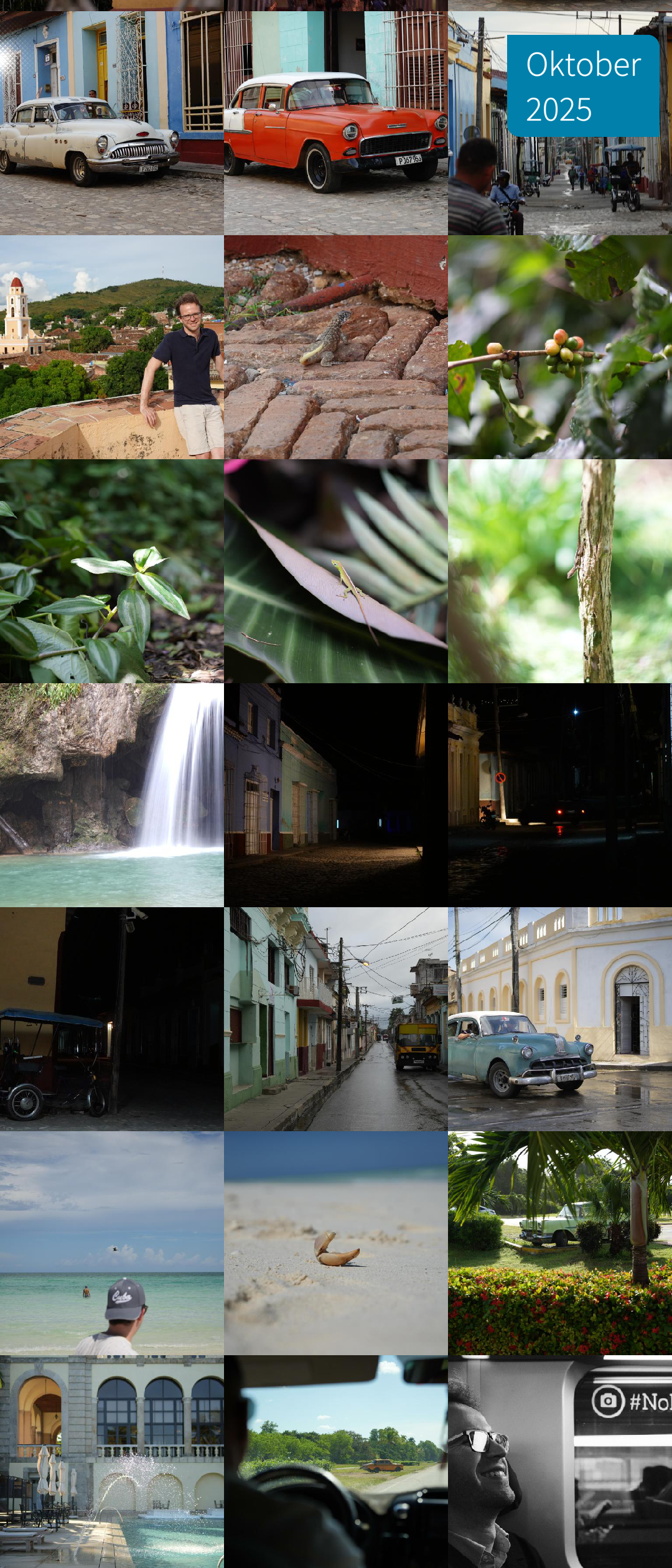
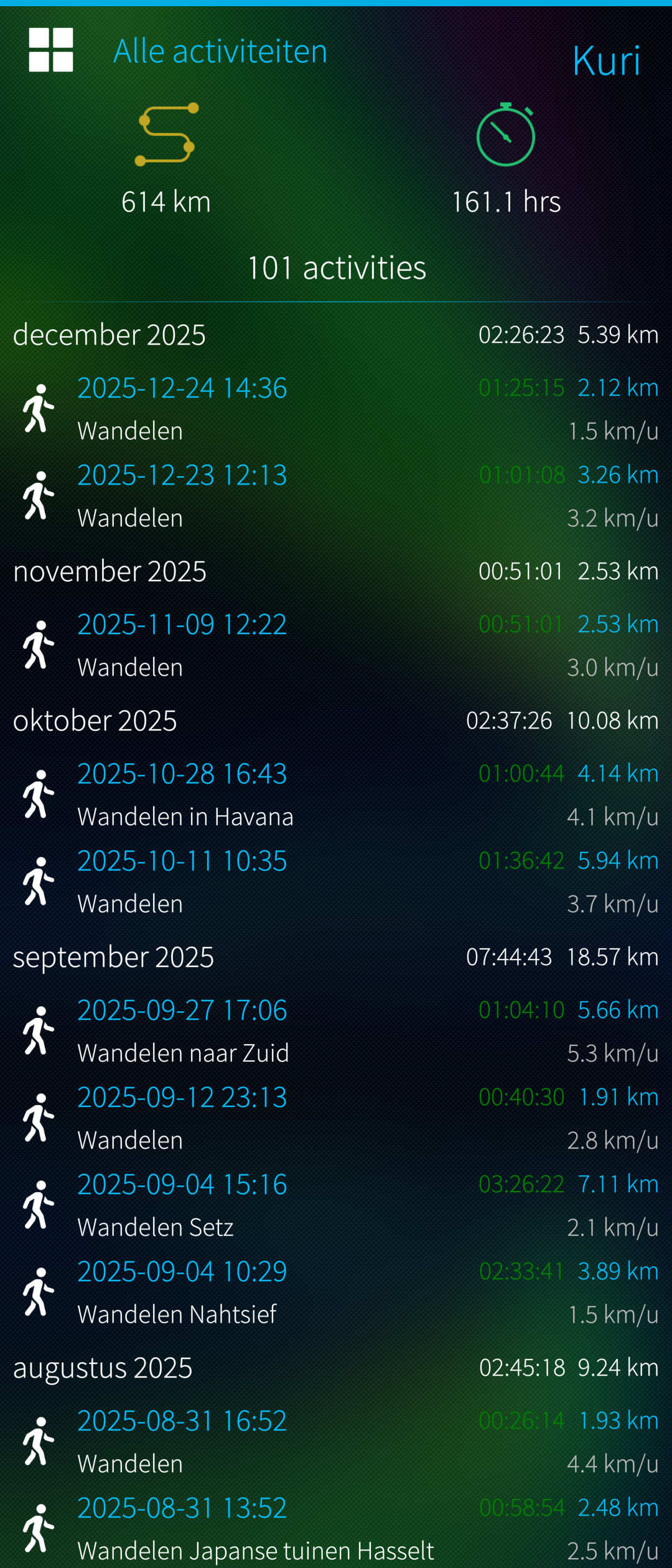
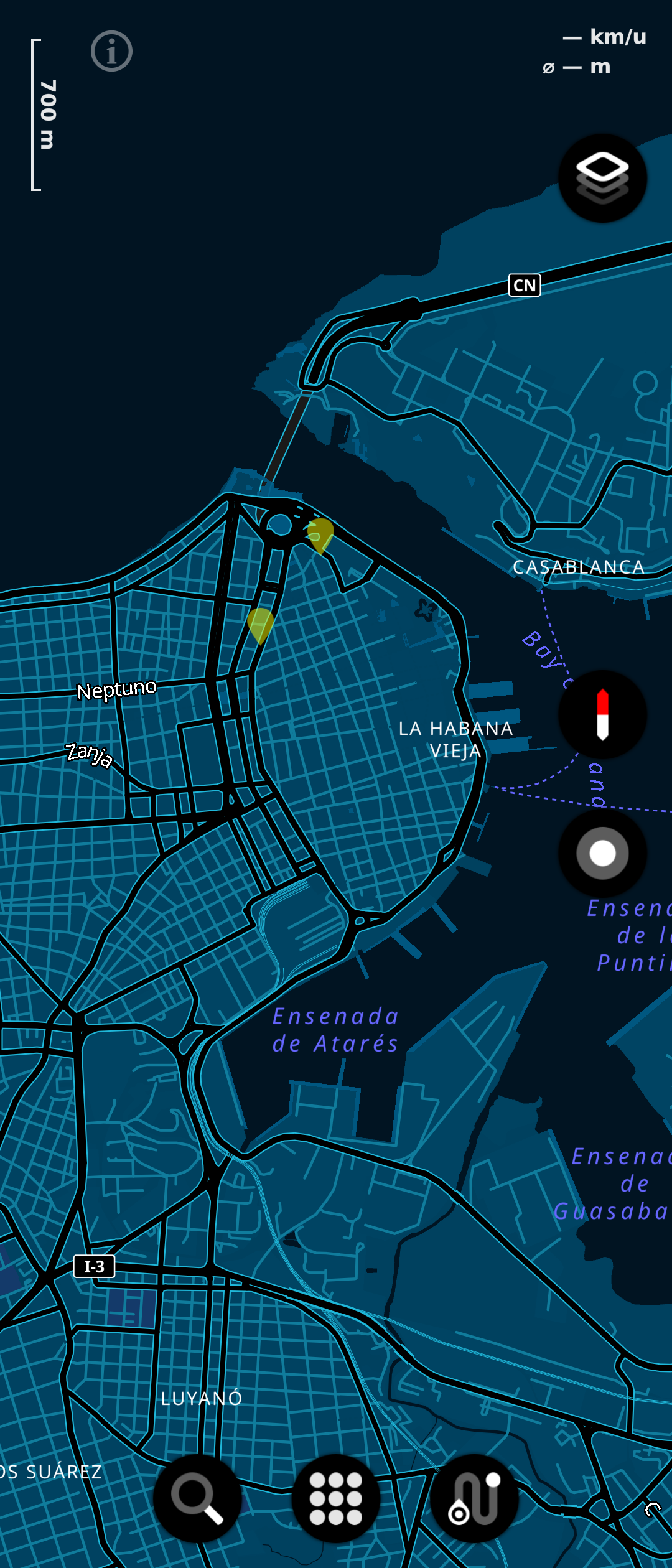
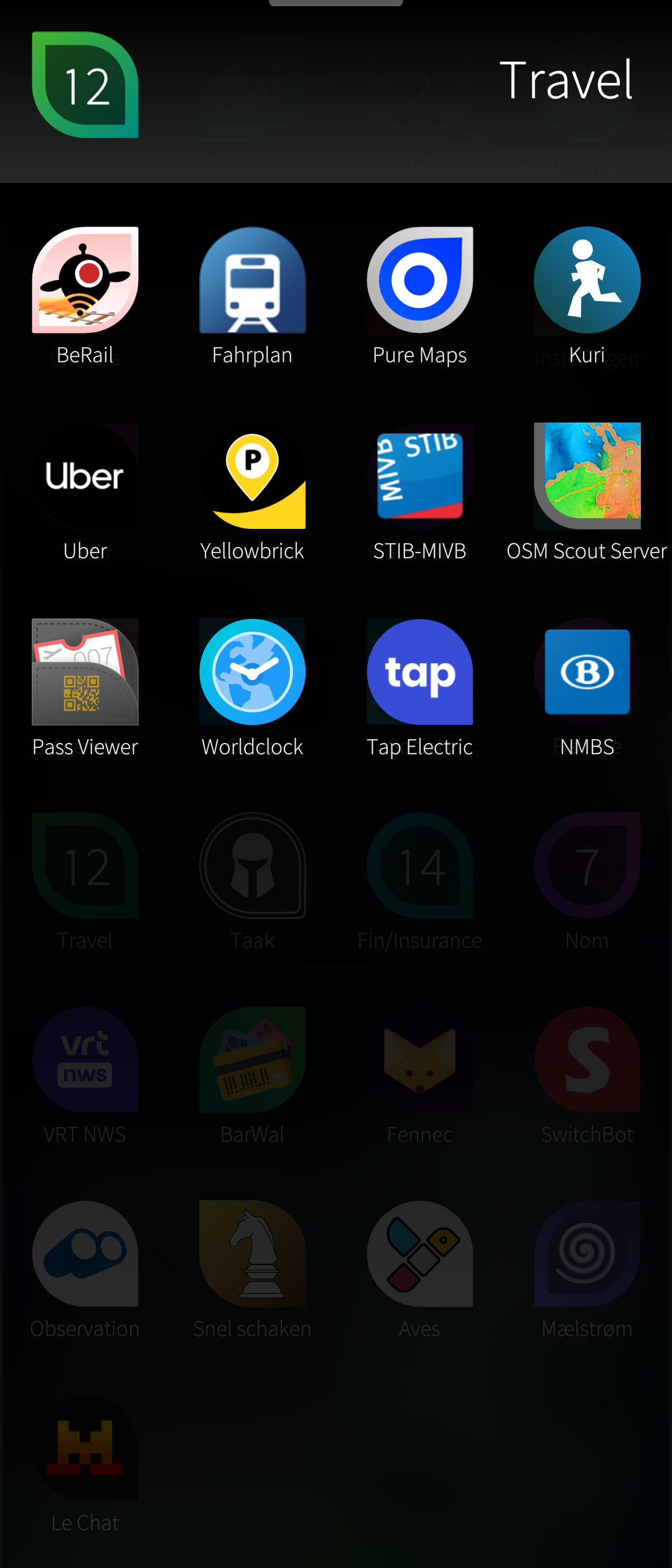
( Gallery,
Kuri,
Pure Maps,
collection of travel apps I use)
Gallery,
Kuri,
Pure Maps,
collection of travel apps I use)
Another bunch of “boring” apps are
 Phone, and
 People.
Calling people works as you’d expect,
and my contacts sync with Nextcloud.
The Gallery
is relatively simple, although its Nextcloud integration is now quite neat.
People.
Calling people works as you’d expect,
and my contacts sync with Nextcloud.
The Gallery
is relatively simple, although its Nextcloud integration is now quite neat.
A story about app stores
This article is becoming way too long, but I believe I conveyed my message by now. There are many very neat native apps which just work.
One thing which may be confusing to newcomers is the many sources for apps. Sailfish OS apps are RPM packages. There are three important sources for Sailfish OS packages and apps: the Jolla Store (“Harbour”), OpenRepos (via Storeman), and Chum.
First is the
 Jolla Store,
sometimes referred to as “Harbour”.
This is Jolla’s official app store, is curated by Jolla,
and also hosts some Android apps.
It is also your main way to install the commercial offering:
the Exchange plugin, the Android AppSupport.
Jolla is quite strict in what apps they allow,
and what those apps are allowed to do on your phone.
Jolla Store,
sometimes referred to as “Harbour”.
This is Jolla’s official app store, is curated by Jolla,
and also hosts some Android apps.
It is also your main way to install the commercial offering:
the Exchange plugin, the Android AppSupport.
Jolla is quite strict in what apps they allow,
and what those apps are allowed to do on your phone.
The apps on Harbour are high-quality,
but sometimes an app developer requires some more freedom than what Harbour currently allows.
There are two big community repositories that are more lenient.
OpenRepos is the oldest,
and also hosts apps for Harmattan, i.e. for the Nokia N9.
The most convenient way to access it,
is through
 Storeman.
The newer, preferred source for community apps is Chum.
These apps are centrally built on the Sailfish OS Open Build Service,
which gives some better form of quality control.
The  Chum GUI
app is the most convenient way to access these applications.
Chum GUI
app is the most convenient way to access these applications.
Generally, you should prefer Harbour, then Chum, then OpenRepos.
Android users are generally used to the Google Play Store. Since AppSupport is not a Google product, and hopefully will never be a Google product, it’s generally not recommended to install the Google Play Store (or anything Google Play). As an alternative for your needs of proprietary Android applications, you should consider Aurora. It’s a free, GPLv3-licensed client for the Google Play Store. You can download it from Harbour. Some apps will expect Google Play to be present. You might be interested in microG as an open source and controllable alternative.
Of course, F-Droid needs mentioning as well. F-Droid is a free store, which serves only free apps for Android. F-Droid is fantastic, and your AppSupport experience would not be complete without it.
At this point, this article has become way too long. The plan is to end the series with a final post to tie some loose ends. Did I miss an app? Get in touch on Mastodon and I’ll be happy to comment or cover in a follow-up! Definitely have a scroll on the reaction on Mastodon, some people recommend podQast over gPodder, and FoilAuth over SailOTP.
In the next episode of this series, I’ll do a Whisperfish intermezzo: the app that I co-maintain, and share its story. Talk to you soon.
post scriptum
Meanwhile,
I have switched from gPodder to  podQast for podcasts,
at the suggestion of several people on Mastodon.
At the time of writing, the version on the Jolla Store does not support MPRIS, but the one in OpenRepos does.
I also swapped Unplayer for the built-in
podQast for podcasts,
at the suggestion of several people on Mastodon.
At the time of writing, the version on the Jolla Store does not support MPRIS, but the one in OpenRepos does.
I also swapped Unplayer for the built-in  Media app.
I had some trouble with it indexing unrelated files, but some
Media app.
I had some trouble with it indexing unrelated files, but some touch .nomedia later it’s actually pretty neat.